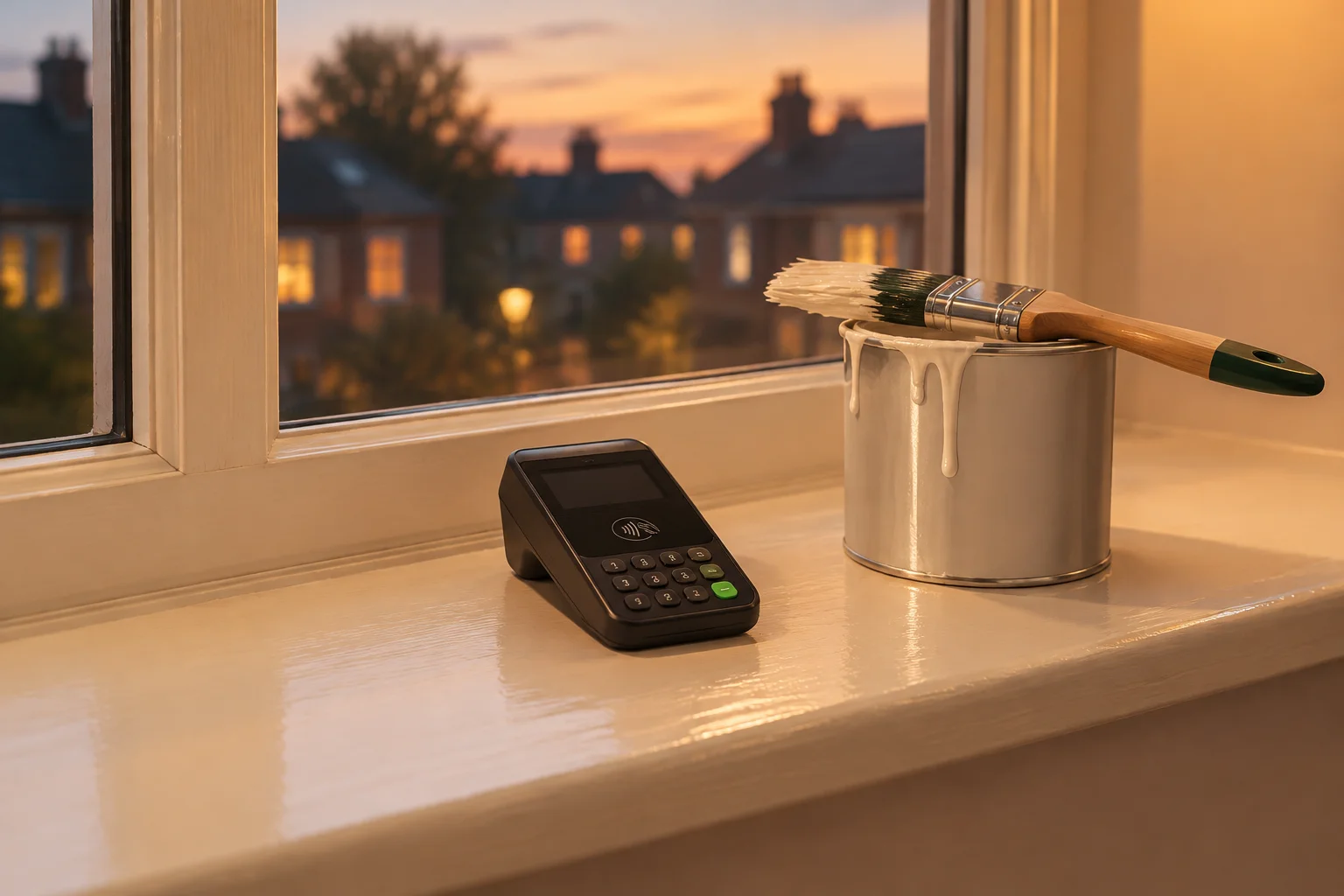
Customers expect to pay by card when you finish. If your answer is 'I'll send you my bank details', you may wait days for the money. Some customers forget altogether. Taking a card payment on the day is easy once it is set up, but the set-up should be done before the job, not on the doorstep with the customer waiting.
This post covers what to check beforehand, one rule you must not break (card surcharges), how to run the handover on the day, and how to record the payment afterwards.
What to sort out before the job day
Work through this list a week or two before your first job that needs it:
An approved account. Whoever processes your card payments will want details from you before they switch you on. Ask what they need and how long approval takes, so it isn't still pending on the day.
A way to take the payment. That might be a card reader, a tap-to-pay feature on your phone, or a payment link you text or email to the customer. Pick the one you can use with dirty hands in a hallway.
The full list of fees. Ask what you pay per payment, whether there are monthly or refund costs, and how long it takes for the money to reach your bank account. Work out what a typical job costs you in fees.
Signal and battery. Many jobs are in basements, new builds and rural spots with weak signal. Check your phone and reader are charged, and know what you will do if there's no signal.
A fallback. Put your bank details on the invoice, or be ready to send a payment link once you have signal. Then a dead battery doesn't mean waiting a week.
A test run. If your provider allows it, try a small payment before the real thing so you know how it works.
If you take deposits or stage payments on bigger jobs, the same set-up works for those too. Our guide on deposits and stage payments explains how to agree them with the customer.
Don't add a card surcharge
It is tempting to add a few per cent to cover the card fee. For most domestic customers, you can't.
Under regulation 6A(1) of the Consumer Rights (Payment Surcharges) Regulations 2012, for most retail payments a business is banned from charging a fee on top of the advertised price because of the way the customer chooses to pay. The government's guidance on the regulations gives credit cards, debit cards and e-money as examples. The ban has applied since 13 January 2018.
The guidance says the rules cover contracts made on your premises, away from your premises (for example at the customer's home) and at a distance. So working in people's houses doesn't put you outside them.
For other payments, and most business-to-business payments made with commercial payment instruments, you can't charge more than the direct cost you bear for that payment method. That comes from regulation 4 and regulation 6A(2). If you work for a landlord or a company, read the guidance to see which rule applies to you.
The consequences matter. A customer is entitled to a refund of any unlawful surcharge, and local authority trading standards can enforce the rules. The regulations also say an unlawful surcharge can't be enforced against the consumer and must be repaid (regulation 10).
The practical answer is to price the fee in. If card payments cost you, say, a small slice of each job, build that into your rates and quotes, not a line added at the end. Our guide on how to price a job shows how to protect your margin. This is general information, not legal advice. If you are unsure, check the guidance or ask your local trading standards service.
On the day the job finishes
Walk the customer through the finished work and deal with any snags first. People pay more readily once they are happy.
Check the amount against your quote or invoice, taking off any deposit already paid.
Take the payment with the reader, phone or payment link. Let the customer see the amount before they pay.
Send a receipt or an invoice marked as paid straight away, while you are still there.
Make a note against the job that it is paid, so you don't chase it later.
If the customer can't pay on the spot, send the invoice that same day with your payment link or bank details on it. If it still goes unpaid, our guide on chasing a late invoice and claiming statutory interest is the next read.
Record the payment and the fee
Card payments are income like any other, so they need to be in your records.
Income. Record what the customer paid, not just what lands in your bank account after fees. Your bank figure will usually be lower.
The fee. GOV.UK lists 'bank, overdraft and credit card charges' as costs a self-employed person can claim. It doesn't name card-reader or payment-provider fees specifically. They are usually treated as a business expense, but check with HMRC or an accountant for your own situation. Repayments of loans or overdrafts can't be claimed.
How long to keep records. Keep them for at least 5 years after the 31 January submission deadline for the tax year. A 2022 to 2023 return sent by 31 January 2024 means keeping records until at least the end of January 2029. See how long to keep your records.
If your income from self-employment and property is over £50,000, you have had to use Making Tax Digital for Income Tax since 6 April 2026. That means keeping digital records of income and expenses in software and sending quarterly updates. The £50,000 is turnover before expenses, and it is based on your tax return from the previous year (see how to sign up). Our Making Tax Digital guide for tradespeople goes through what to do.
Card takings also count towards your turnover for VAT. You must register if your taxable turnover for the last 12 months goes over £90,000, or you expect it to go over £90,000 in the next 30 days. See when to register for VAT.
Wrap-up
Get your account approved, test your kit, know the fees, and have a fallback for dead batteries and no signal. Don't add a card surcharge for most domestic customers, and record both the payment and the fee. Quidjob puts your quotes, invoices and bank-transfer payments in one place on your phone (card payments are coming soon), and the checklist above works with whichever card reader you choose.