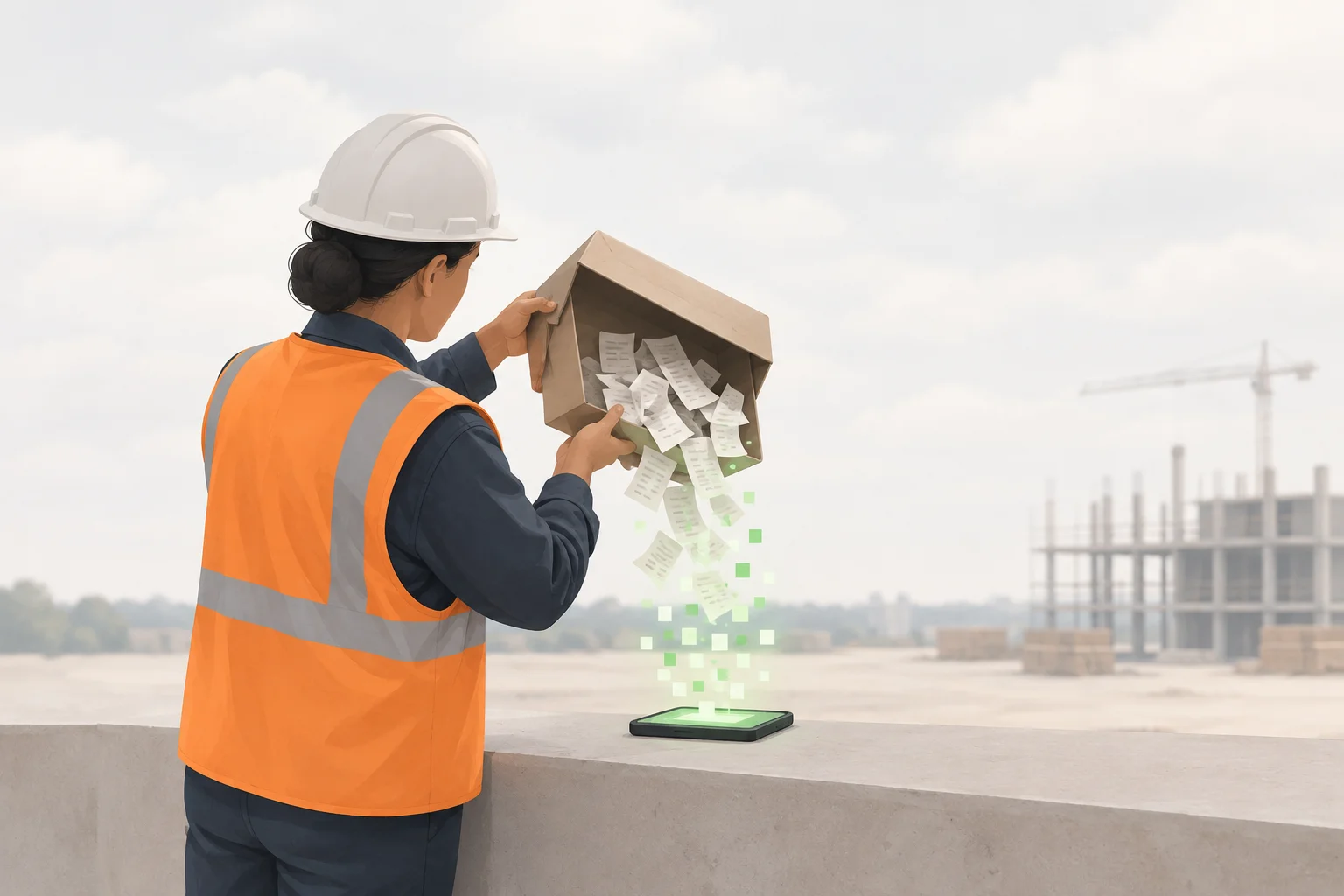
Making Tax Digital (MTD) for Income Tax changes how you keep your books. The rule is not just 'send figures online'. HMRC expects you to create and store your business records in software, as you go through the year. If you are a sole trader, it helps to know exactly what that means before your start date arrives.
This post covers what counts as a digital record, which records you need, what each entry must show, and the traps to avoid if you use a spreadsheet or more than one app. It is general information. Your own situation may differ, so check the official pages linked below or ask an accountant.
Who needs to keep digital records, and when
MTD for Income Tax applies to sole traders and landlords by total self-employment and property income. It applies from April 2026 if that income is more than £50,000, from April 2027 if it is more than £30,000, and from April 2028 if it is more than £20,000. The dates and limits are in HMRC's digital record-keeping direction.
If you are not required to use it until 6 April 2027, you can sign up voluntarily before then. To sign up you must be registered for Self Assessment and have submitted a tax return in the last 2 years. The sign-up page has the current detail.
What a digital record actually is
GOV.UK defines a digital record as a record of your income or expense that is created and stored using software that works with MTD for Income Tax. You, or your agent, must create and store these records for your self-employment and property income and expenses. The rules are set out in the Income Tax (Digital Obligations) Regulations 2026 (SI 2026/336), which you can read on legislation.gov.uk.
The key words are 'created and stored'. A paper notebook that you type up once a quarter is not what the rules describe. The record should start life in the software, close to the date of the transaction.
You still need your original paperwork too. You must keep the records you would normally keep for Self Assessment, such as bank statements and invoices, or copies of them. The digital record sits alongside them rather than replacing them.
The records you must keep digitally
As a sole trader, you need digital records of two things:
Self-employment income, including sales, takings and fees.
Self-employment expenses, including the cost of stock, travel costs, office costs and financial costs.
If you have more than one sole trader business, keep separate digital records for each and send separate quarterly updates for each. GOV.UK's example is an electrician who is also a driving instructor. That is two sources of self-employment income, so two sets of records.
Other Self Assessment income, such as dividends, State Pension, private pensions or a partnership profit share, does not need digital records. You can record it in the software if you want to.
Trading income allowance
If you claimed the trading income allowance on your last Self Assessment return, you must keep digital records. You do not need them for self-employment income if both of these are true: the income was below the trading income allowance threshold, and you did not declare it on your previous return.
What each record must show
Each entry needs three things:
The amount.
The date you received the income or incurred the expense.
The category. These are the same categories as on your Self Assessment return.
If your turnover from a source of self-employment is less than £90,000, you can categorise in less detail. As a sole trader you then only need to mark each transaction as income or expense. If turnover reaches £90,000, you must categorise every record for that income source in full before you can send a quarterly update. That includes records from the start of the current tax year. If you are not sure you will stay under £90,000, GOV.UK says to categorise in full from the start.
When to create the record
Create each record as close to the date of the transaction as you can. At the latest, create it before the quarterly update deadline for that period, or before you send the update if that is earlier. GOV.UK's example: income received on 30 April must be recorded before you send the first update, or before 7 August, whichever comes first.
If your accounting period ends on 5 April, create records from 6 April. If it ends on 31 March, create them from 1 April and use calendar update periods. You must choose calendar update periods before you send your first quarterly update, and you cannot change it afterwards. If you sign up part-way through the year, you must catch up by creating records from the start of the tax year.
GOV.UK says there are no penalties for missing a quarterly update deadline for the 2026 to 2027 tax year. That is no reason to leave the records until later. A big catch-up is harder than a few minutes each week.
Making records easier on a phone or simple app
GOV.UK allows several shortcuts that suit a one-person trade:
Private spending: you do not have to record disallowable (private) expenses. If you do, you can record just the allowable part. GOV.UK's example is a £200 phone bill, of which £125 is business and £75 personal.
Simplified expenses: if you are sure you will use them, you do not need digital records of your actual expenses. If you are not sure, record everything and adjust before you finalise your Income Tax position.
Retail takings: retailers can record daily gross takings instead of each individual sale.
Income after deductions: if a customer only tells you what you are getting after deductions, ask for the full amount before expenses. Record the full income, then record the expenses separately.
Bank feeds: if your software connects to your bank account, you may still need to add details such as the category. Some transactions may not appear in full, so you may need to create them yourself. Checking the records are accurate before each update is your job.
If you use more than one tool
One piece of software can create the records, send the quarterly updates and submit your return. Then there is nothing to link. If you use more than one product, the record-keeping software and the software that submits to HMRC must be digitally linked.
Once a record has been created and sent to HMRC in a quarterly update, you must not manually move it within your software or into other software. That means no retyping and no cut and paste. Accepted links include linked cells in a spreadsheet, XML or CSV import and export, file download and upload, automated data transfer, and an API transfer.
Software that does not create your self-employment or property records does not need linking. GOV.UK's examples are booking software and a till system that records sales receipts.
Corrections and how long to keep records
To correct a record you may need to change it, delete it or create a new one. A correction made during the tax year is picked up in your next quarterly update. After the fourth update, you can correct the record and resend that update, or adjust the category total. Either way, make corrections before you finalise your Income Tax position.
Keep your digital records for at least 5 years after the 31 January submission deadline for the tax year. That is the same period as for Self Assessment.
Wrapping up
A digital record is an amount, a date and a category, created and stored in software that works with MTD for Income Tax, for every bit of self-employment income and expense. Keep your receipts and invoices as well. If you are using a spreadsheet, make sure it links to your submitting software without retyping.
If you quote, invoice and take payments from your phone, your income records are already in one place. Quidjob does that and keeps Making Tax Digital records from your phone. Whatever you choose, check that it works with MTD for Income Tax before you rely on it. For the wider picture, read our guide to Making Tax Digital for tradespeople.